Online vs line-interactive UPS: what critical systems actually need
Not every rack needs the same UPS. A UPS for a reception PC and one for a hospital's core switches solve different problems. The first decision is the type of UPS. The second is what you build around it so a single fault can't take the rack down.
Line-interactive vs online double conversion
| Line-interactive | True online (double conversion) | |
|---|---|---|
| How it works | Passes mains through, corrects voltage, switches to battery when mains fails | Converts all incoming power to DC and back to clean AC, all the time |
| Transfer to battery | A few milliseconds | Zero; the inverter is always running |
| Output quality | Mains, corrected | Clean sine wave regardless of input |
| Handles generator power | Can struggle with frequency drift | Yes |
| Best for | Desktops, small network cabinets, non-critical gear | Servers, storage, telco, control systems, anything on a generator |
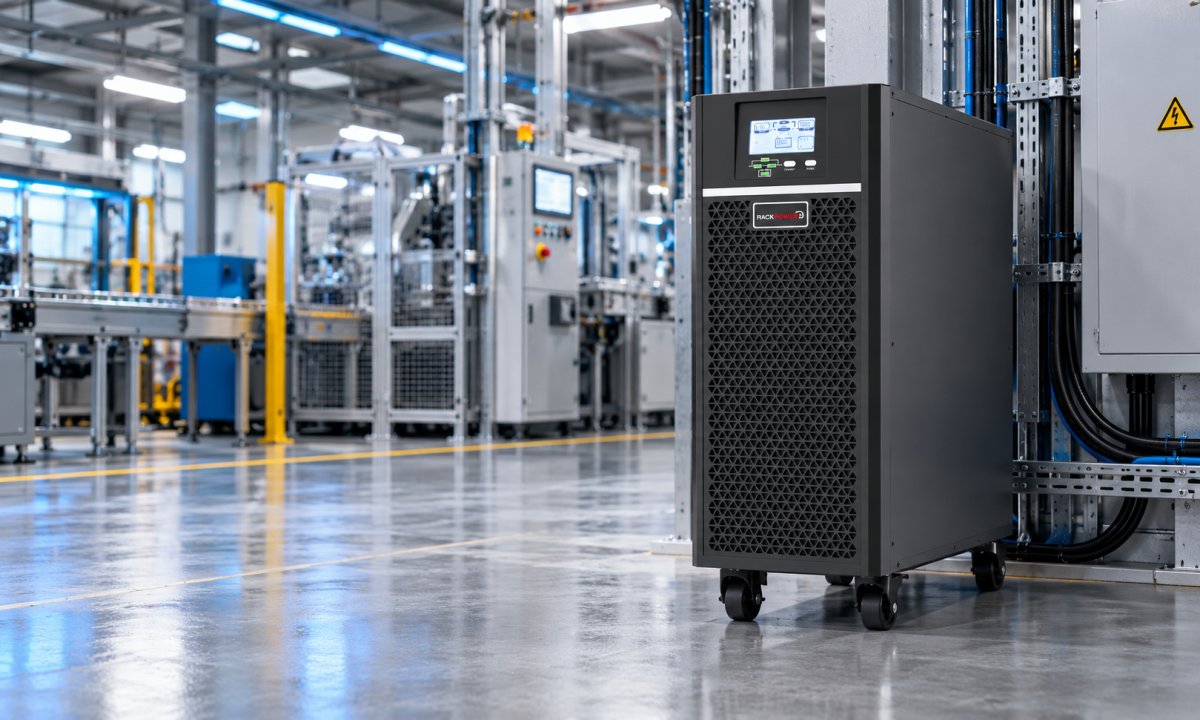
| RackPower range | Line-interactive UPS | Rack and tower online UPS, 1–10 kVA |
The old argument against online UPS was efficiency: running the inverter constantly wasted power as heat. RackPower's online units run at up to 96% efficiency (1–3 kVA) and 95% (6–10 kVA), which closes most of that gap.
Which type do you need?
Answer three quick questions.
Calculator loading. If this message does not change, JavaScript is being blocked on this page.
Remove the single points of failure
A UPS protects against mains failure. It can also become the thing that fails. For a critical rack, plan around that:
- Maintenance bypass. A UPS bypass switch lets you take the UPS out of circuit for service or battery replacement while the rack stays on mains. Without one, battery replacement means a shutdown.
- Dual power paths. Servers with two power supplies should be fed from two separate sources, A and B, ideally on separate UPS units or one UPS and one mains feed. Never plug both supplies into the same power board.
- Single-corded equipment. Switches and firewalls with one power supply can still get dual-path protection through an automatic transfer switch, which flips to the second feed if the first fails.
Know when something is wrong
A UPS on battery at 2 a.m. is no use if nobody knows. For critical systems:
- Fit the UPS's optional network management (SNMP) card and connect it to your monitoring system, so on-battery and low-battery alerts reach someone by email or text.
- Configure automatic shutdown for servers that must close cleanly, and test that it actually triggers.
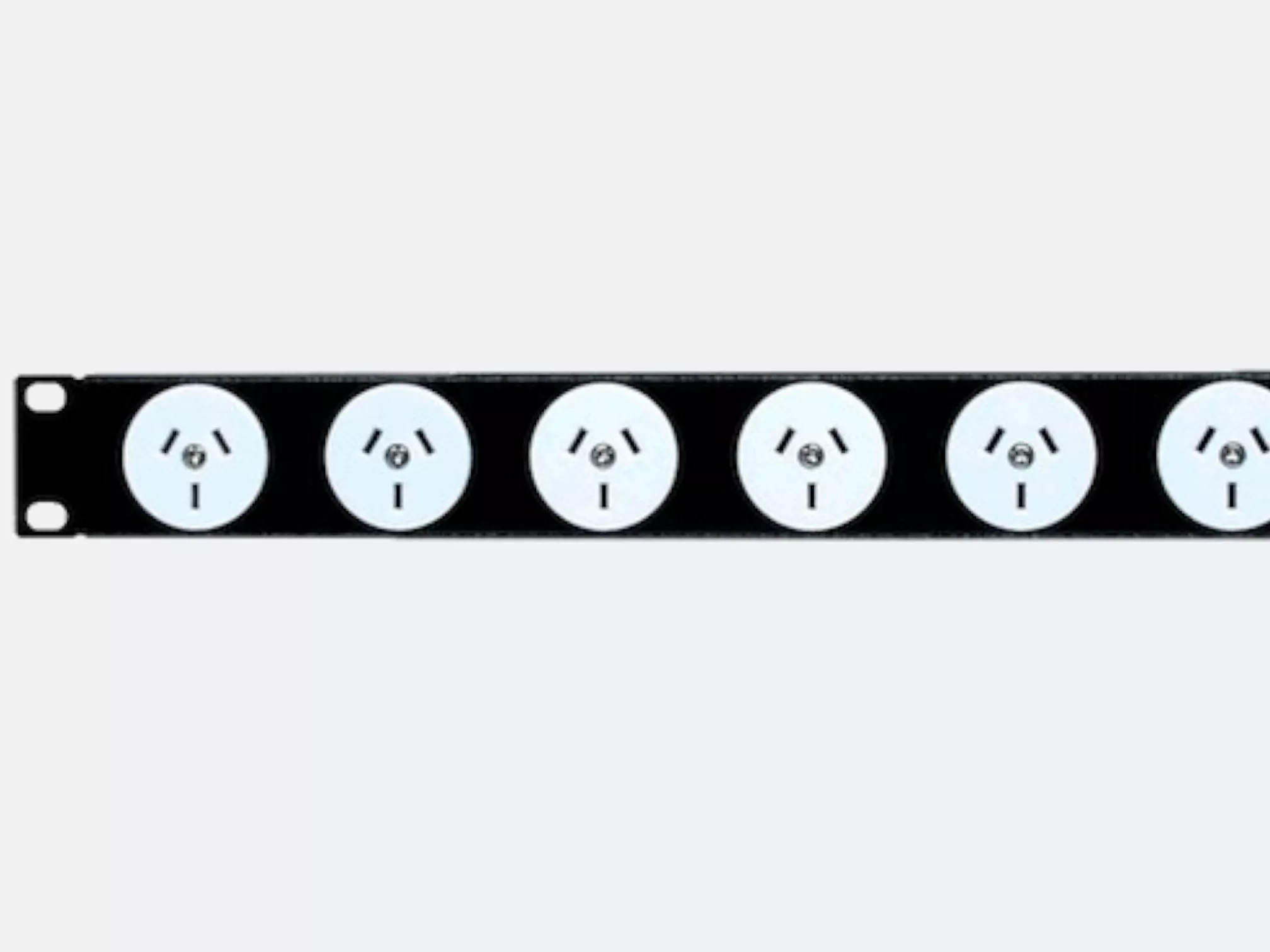
- Use metered PDUs to watch load per rack, so you see creeping load before it overloads the UPS.
Maintain it like it matters
UPS batteries wear out. Sealed lead-acid batteries typically last 3–5 years, less in hot rooms. Test runtime once a year, record the result, and replace batteries before the test shows a big drop, not after an outage reveals it. Keep the room or cabinet ventilated; heat is the biggest single cause of short battery life.
Replacement batteries: RackPower can supply replacement battery sets for our UPS range and advise on swapping them over. Have your UPS model and purchase date handy when you get in touch.
Designing a critical rack?
RackPower designs and manufactures PDUs and distribution boards in New Zealand and supplies the UPS, bypass and transfer switches that go with them, so the whole power chain can be specified together.
Contact RackPower Call 0800 452 140