Choosing a rack-mount UPS: matching a RackPower model to your load
Once you know your rack's measured peak load and how long it needs to stay up, choosing a UPS comes down to four checks: capacity, runtime, power supply, and space in the rack.
The RackPower rack UPS range
Every unit in the range is true online double conversion, rated at power factor 1.0, so the watt rating equals the VA rating.
| Model | Rating | Efficiency (online) | Comfortable load (≤ 75%) | Rack height | Input connection | Typical use |
|---|---|---|---|---|---|---|
| USS001BR | 1,000 VA / 1,000 W | Up to 96% | 750 W | 2U | 10 A NZ 3-pin plug | Network cabinet, firewall, switches, small NAS |
| USS002BR | 2,000 VA / 2,000 W | Up to 96% | 1,500 W | 2U | 10 A NZ 3-pin plug | Small office rack with one or two servers |
| USS003BR | 3,000 VA / 3,000 W | Up to 96% | 2,250 W | 2U | IEC C20 (16 A), dedicated circuit | Larger office or school rack, PoE-heavy switching |
| USS006BR | 6,000 VA / 6,000 W | Up to 95% | 4,500 W | 3U | Hardwired terminal block | Server room, multiple hosts and storage |
| USS010BR | 10,000 VA / 10,000 W | Up to 95% | 7,500 W | 3U | Hardwired terminal block | Small data room, several racks on one UPS |
External battery packs add rack height and are available for the 2 kVA to 10 kVA models; the 1 kVA runs on internal batteries only. Prefer floor-standing? The same range comes in tower versions.
Check 1: capacity
Take your measured peak load (see how to measure it) and pick the smallest model that keeps it at or below about 75% of rating. That leaves headroom for growth and inrush when equipment powers up.
If your load sits right on the line between two models, go up. Running at a lower percentage also improves runtime.
Check 2: runtime
Capacity tells you what the UPS can carry; it doesn't tell you for how long. Check the runtime at your load (see how much runtime you need). If the internal batteries fall short, add an external battery cabinet before considering a larger UPS: the 2U rack battery cabinet suits the 2 kVA and 3 kVA units, and the 3U rack battery cabinet suits the 6 kVA and 10 kVA units.
Find your UPS
Enter your measured peak load and the runtime you need. We'll show which models and battery options get you there.
| Model | Load | Internal | +1 pack | +2 packs |
|---|
Calculator loading. If this message does not change, JavaScript is being blocked on this page.
Check 3: the power supply to the rack
This is the check most often missed. At 230 V, a fully loaded 3 kVA UPS draws around 13 A, more than a standard 10 A socket is rated for. Larger units need a dedicated circuit, and 6 kVA and 10 kVA units need a hardwired supply installed by a licensed electrician to AS/NZS 3000.
Tip: while the electrician is on site, fit a maintenance bypass switch. It lets you service the UPS or replace its batteries without powering the rack down.
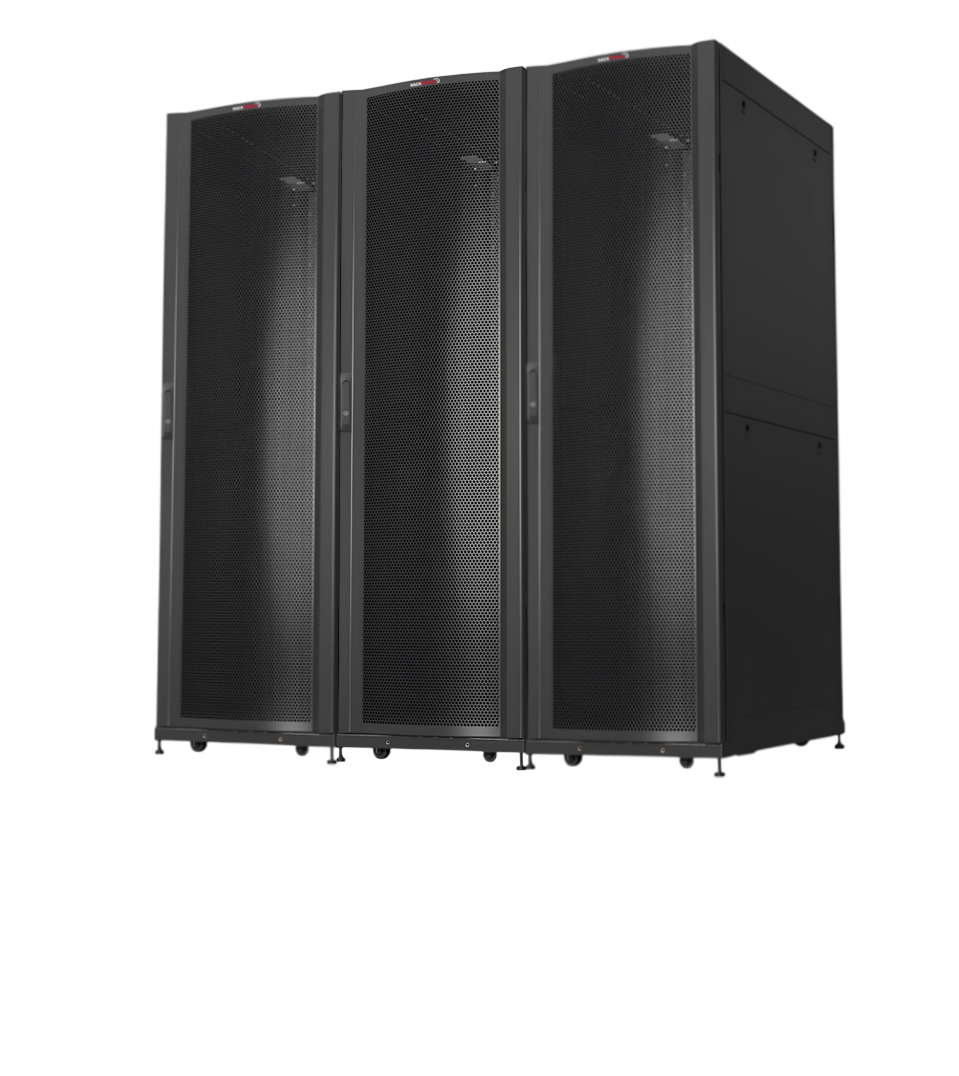
Check 4: rack space and distribution
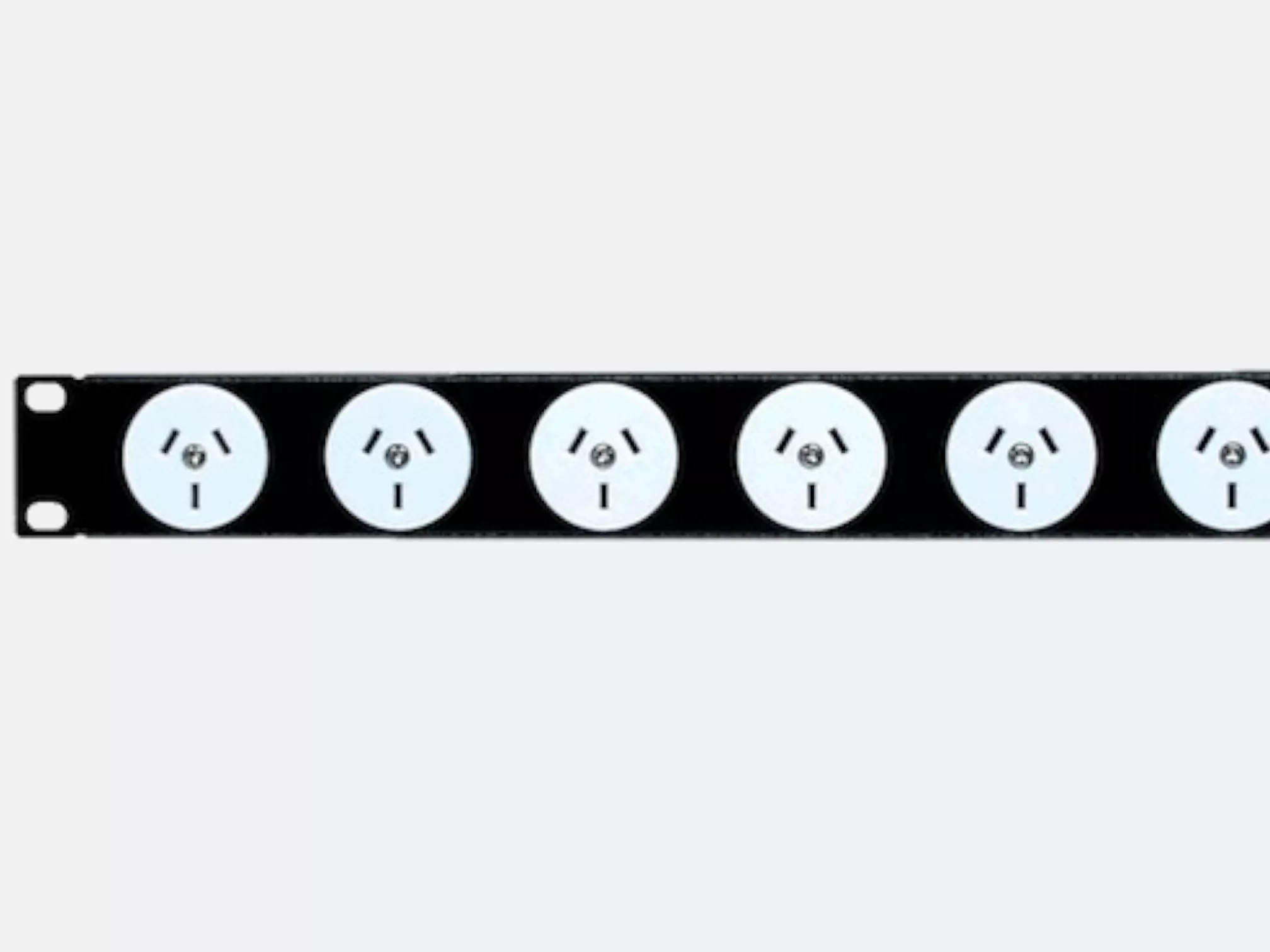
Allow rack units for the UPS plus any battery packs, and put them at the bottom of the rack: they're the heaviest items. Then plan how power gets from the UPS to each device. A PDU sized to the UPS output, rather than a string of power boards, keeps the rack tidy and makes load easy to monitor. RackPower builds PDUs to order in Palmerston North if you need a specific outlet mix.
Not sure which fits?
Send us your equipment list and runtime target, and we'll recommend a UPS, battery and PDU combination.
Contact RackPower Call 0800 452 140