UPS load calculation: how to find what your rack actually draws
If you add up the power supply ratings on every server and switch in your rack, you'll get a number that's usually far higher than what the rack actually uses. Size a UPS from that number and you'll pay for capacity you never use.
Here's how to get a figure you can actually buy against.
Watts, VA and why RackPower quotes both as the same number
A UPS has two limits: real power in watts (W) and apparent power in volt-amps (VA). The ratio between them is the power factor (PF).
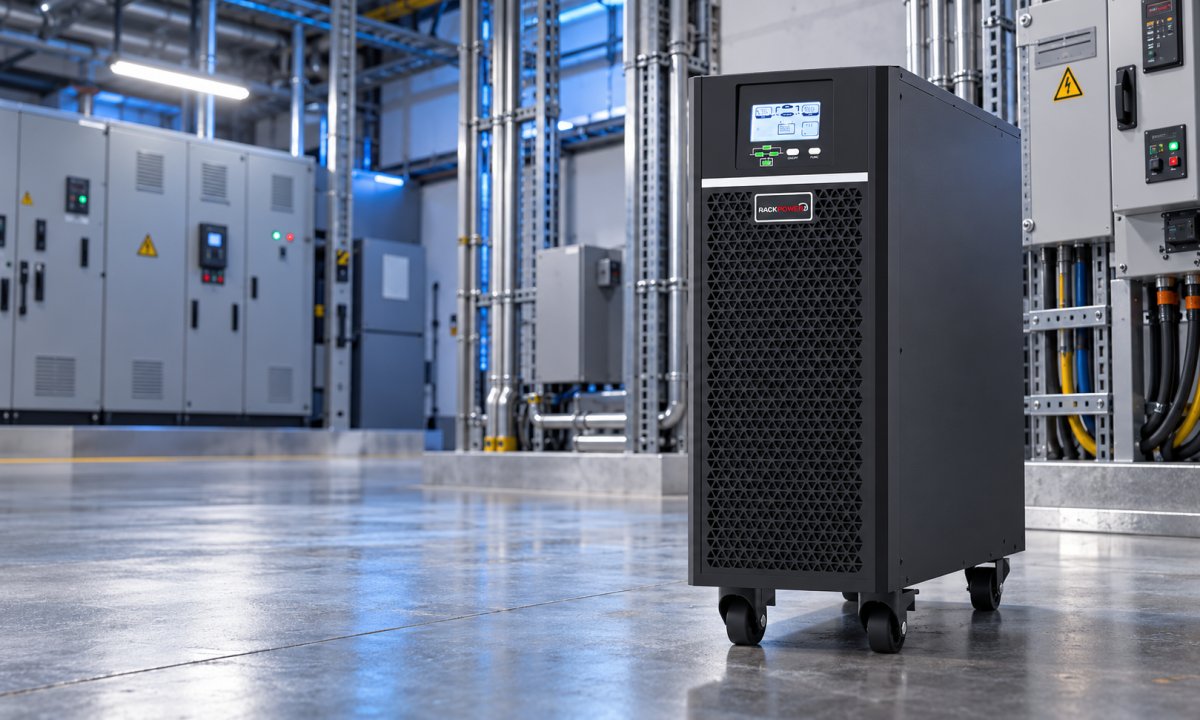
Many UPS units are rated at PF 0.8 or 0.9, so a "3000 VA" unit might only support 2,400–2,700 W. RackPower's online UPS range is rated at PF 1.0, so a 3 kVA RackPower UPS supports the full 3,000 W. When comparing quotes, always compare the watt rating, not the VA headline.
For single-phase NZ supply, apparent power is simply:
VA = volts × amps
So a rack drawing 4 A at 230 V is drawing about 920 VA.
Why nameplate ratings mislead
A server's power supply rating is the most it can deliver, not what the server uses. A server with two 800 W power supplies is built so either supply can carry the full load alone. In normal running, a typical small-business server draws somewhere around 200–350 W.
Add up nameplate figures across a rack and you can easily end up two to four times the real load. Use nameplate figures only for equipment you can't measure yet, and label them as estimates.
Measure it instead
The most reliable figure comes from measuring the rack while it's doing normal work. Three ways to do that:
- Read the UPS display. If the rack is already on a UPS, the front panel or monitoring card shows the load in watts or as a percentage.
- Fit an inline meter. An inline meter sits between the supply and the PDU and shows current, voltage and power for the whole rack.
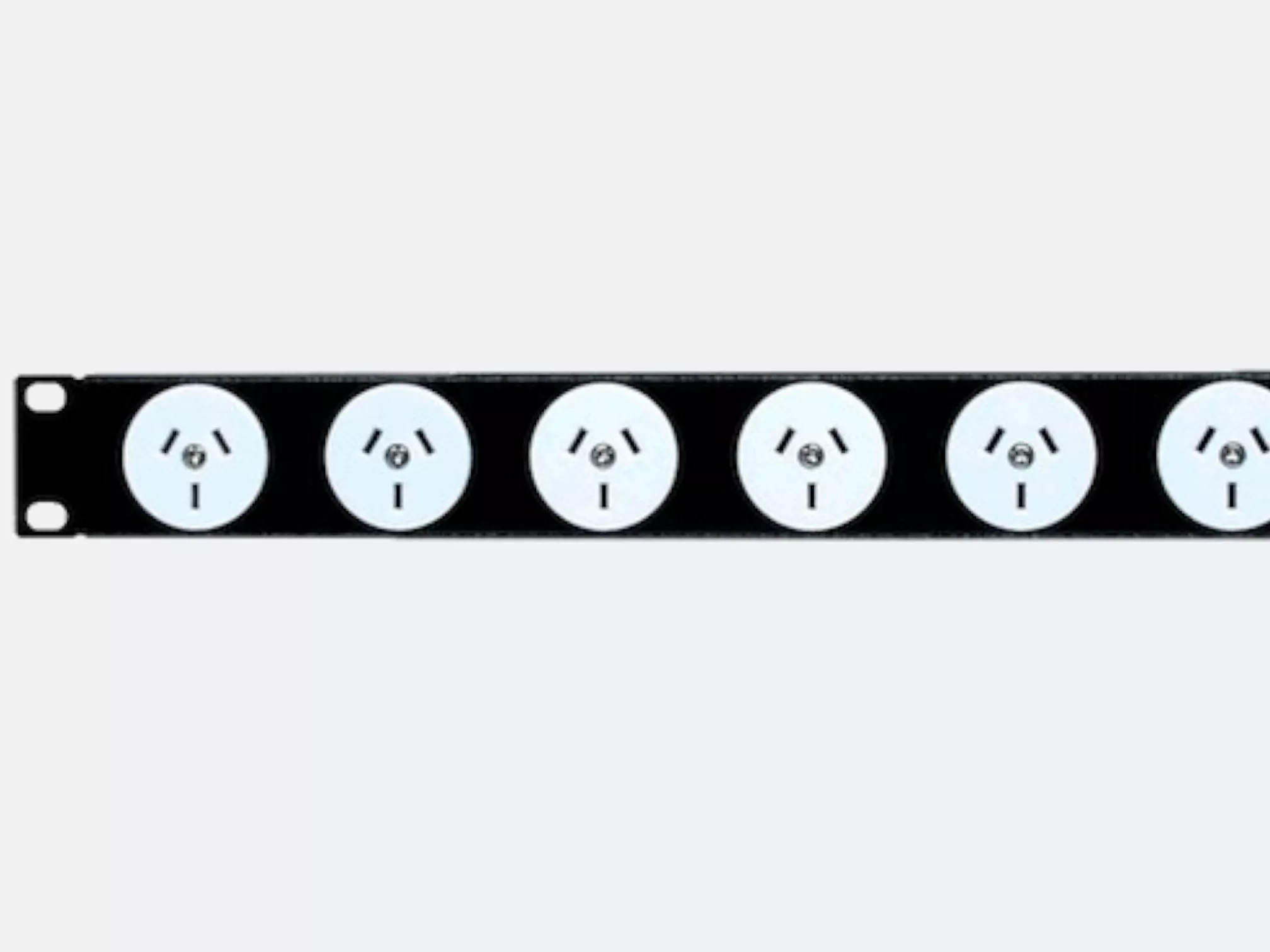
- Use a metered PDU. An input metered iPDU gives you the same reading permanently, plus logging, so you can see peaks across a working week rather than a single snapshot.
Whichever you use, record the peak, not the average. Backups, patch nights and server boot-up all push load above normal.
Worked example: a small-office rack
Here's a typical small-office rack, comparing what the labels say with what an inline meter recorded at peak over a working week.
| Equipment | Qty | Nameplate rating | Measured peak |
|---|---|---|---|
| File/application servers | 2 | 2 × 800 W | 520 W |
| NAS (4-bay) | 1 | 250 W | 90 W |
| 48-port PoE switch | 1 | 740 W | 310 W |
| Firewall and router | 1 | 60 W | 35 W |
| Total | 2,650 W | 955 W |
Illustrative figures. The PoE switch's measured draw depends heavily on how many phones, cameras and access points it powers.
Sized from nameplate, you'd buy a 3 kVA UPS or bigger. Sized from measurement, a 2 kVA RackPower UPS (2,000 W) runs this rack at under 50% load, leaving room to grow and giving better runtime.
Allow for growth, separately
Add a growth allowance as its own line rather than inflating the measured figure. A common rule is to keep the UPS under 70–80% of its rating at measured peak, so there's room for new equipment and the UPS isn't running flat out.
Rack load calculator
Enter each device with its measured peak (or nameplate figure if you can't measure it yet). The example rack is filled in to start.
| Equipment | Qty | Watts each | Subtotal | Remove |
|---|
Calculator loading. If this message does not change, JavaScript is being blocked on this page.
Want us to check your numbers?
Send us your equipment list and we'll do the load calculation with you, then recommend a UPS and PDU to suit.
Contact RackPower Call 0800 452 140